How to Protect Your Domain Investment: Essential Security Strategies
How to Protect Your Domain Investment: Essential Security Strategies Your domain names are some of your most valuable digital assets, but let's be honest—they're always under threat. Hackers, scammers, and even simple admin mistakes can cost you dearly.
Domain Security Expert
Domain Investment Expert
How to Protect Your Domain Investment: Essential Security Strategies
Your domain names are some of your most valuable digital assets, but let's be honest—they're always under threat. Hackers, scammers, and even simple admin mistakes can cost you dearly.
Every day, domain investors lose millions to hijacking, expiration slip-ups, and preventable security breaches. It's frustrating how often these disasters could've been avoided with just a bit of extra care.
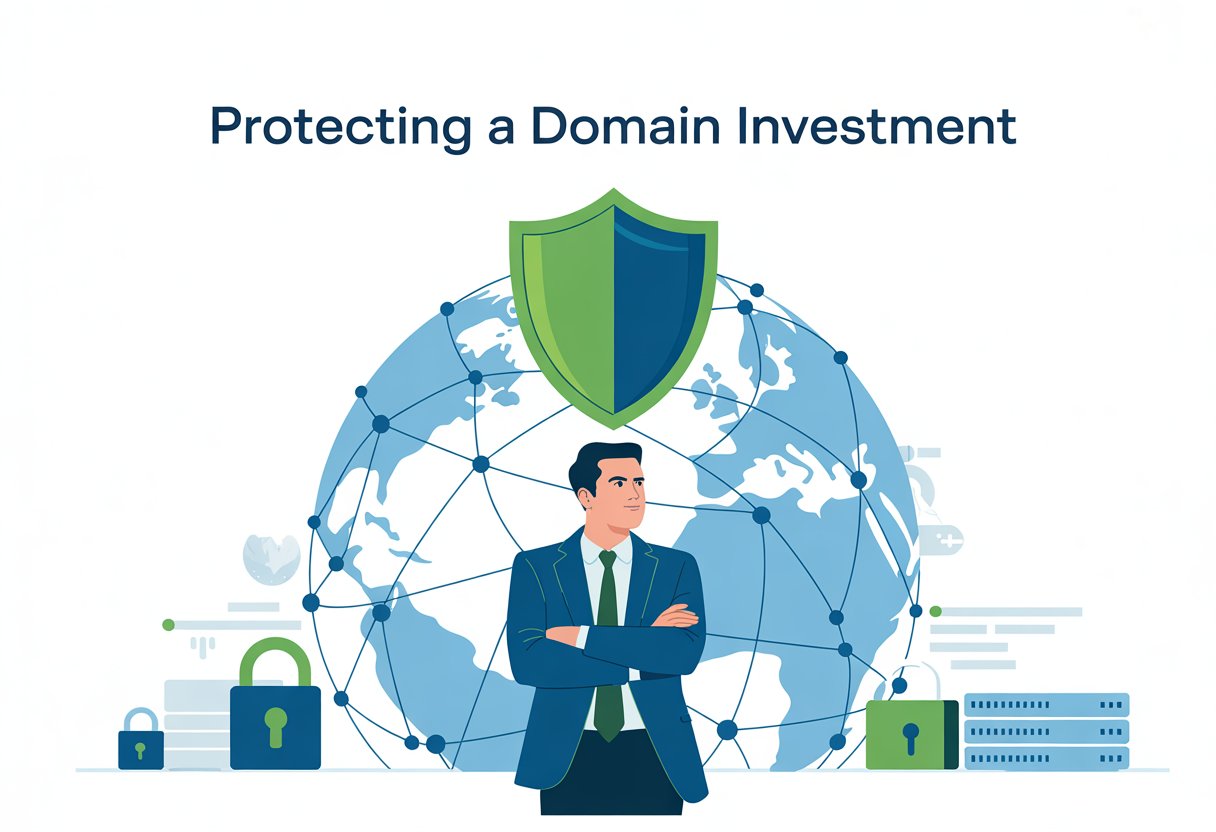
Protecting your domain investment means stacking up security measures—choosing the right registrar, turning on two-factor authentication, locking domains, and using privacy protection. These layers work together, building a solid barrier around your online presence.
The loss of a valuable domain can crush your business, and the cost to secure it is honestly peanuts by comparison. Whether you own one domain or a whole portfolio, it's worth learning comprehensive domain protection strategies to keep your digital assets safe.
Key Takeaways
- Choose reputable registrars and enable security features like domain locks and two-factor authentication to prevent unauthorized access.
- Implement privacy protection and monitor your domains regularly to defend against common attack methods.
- Keep your contact info and payment methods up to date, and consider spreading your domains across several registrars for extra safety.
Understanding Domain Investment Risks
Domain investments are risky. Market swings, legal headaches, and security breaches can wreck your portfolio's value and mess with your online presence.
Market volatility, legal challenges, and security breaches all add up to a pretty complex risk landscape.
Common Threats to Domain Names
Domain hijacking is a nightmare for investors. Hackers love to target registrar accounts using weak passwords or sneaky social engineering tricks.
Once they get in, they might transfer your domain away or change the ownership details. Sometimes all it takes is one slip-up.
Phishing attacks are everywhere. You get an email that looks legit—maybe it says your domain's about to expire or you need to verify something.
Click a bad link and suddenly, your login details are in the wrong hands. Attackers use those credentials to access your real account.
Domain theft is another headache. Someone could forge documents or exploit a weak transfer process to steal your domain.
A few criminals even file bogus UDRP complaints claiming your domain violates their trademark. Others might hack your email just to approve a shady transfer.
Admin slip-ups add risk too. If your WHOIS info is outdated, you might miss important alerts.
Letting your credit card expire can make your domain lapse without warning. And if auto-renewal fails, you could lose your domain to a competitor in a heartbeat.
Impact of Domain Loss on Online Identity
Losing your domain wipes out your online identity. Visitors can't reach your site, no matter how loyal they are.
Email tied to your domain goes down instantly. Suddenly, you can't talk to customers, partners, or anyone else.
Search engine rankings? Gone. Google and friends will drop your site from their indexes within days.
All that SEO work and content building—years of effort—can turn worthless overnight. Starting over with a new domain is brutal.
Brand reputation takes a beating when your domain gets hijacked. Bad actors might use your name to host malware or send spam.
Customers lose trust fast if your domain is linked to shady stuff. It's hard to bounce back from that kind of damage.
Financial losses pile up too. You lose revenue during downtime and spend a fortune trying to rebuild your presence.
Legal fees, new domain registrations, and marketing to redirect traffic—it adds up. Some businesses never fully recover from a major domain loss.
Market Trends Affecting Domain Value
Technology moves fast, and that changes domain values. Domains tied to old tech drop in worth as people move on.
Mobile apps have taken a bite out of demand for certain web domains. AI and blockchain are making new keywords hot.
Economic swings hit the domain market, too. During recessions, businesses pull back on marketing and delay buying domains.
Premium domains get harder to sell, and prices drop. But when the economy's booming, demand and prices go up.
New domain extensions shake things up. Generic top-level domains like .tech or .shop offer alternatives to pricey .coms.
.com is still king, but more options can mean less demand for certain keywords. Some industries even prefer the newer extensions now.
Consumer habits keep changing. Social media draws traffic away from websites.
Voice search is changing how people find sites. Exact-match keyword domains just aren't as critical for SEO as they used to be.
Selecting and Managing a Secure Domain Registrar
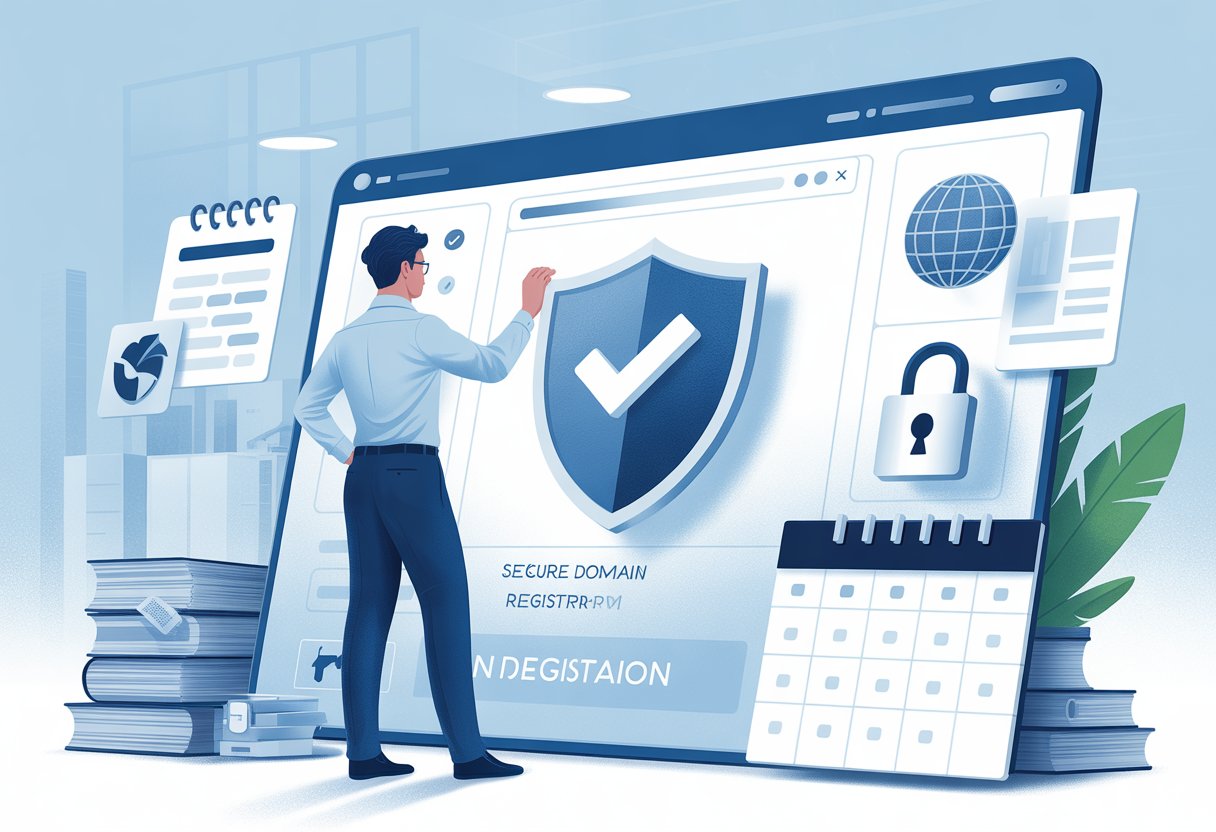
Your registrar choice is huge. The right one can make or break your domain security.
Look for strong security, reliable transfers, and a solid reputation. These basics set the stage for keeping your domains safe.
Choosing a Reputable Domain Registrar
Pick a registrar with a real track record. Big names like GoDaddy and Google Domains usually have the security features and support you need.
Check reviews and industry ratings before you commit. Stick with companies that have years in the business and ICANN accreditation.
Make sure they have good uptime and solid DNS service. You need your domains to stay online, no excuses.
Key factors to check:
- Years in business and reputation
- ICANN accreditation
- Customer service quality
- Transparent pricing
Skip the fly-by-night registrars. Your investment deserves a partner you can trust.
Evaluating Registrar Security Features
Good registrars offer layers of protection. Two-factor authentication should be a must for account access and changes.
Domain locking blocks unauthorized transfers and updates. Turn on registrar locks for any domain you care about.
Must-have security features:
- Two-factor authentication (2FA)
- Domain transfer locks
- WHOIS privacy protection
- Account activity monitoring
- Secure API access
WHOIS privacy hides your info from public searches—less spam, less risk. Some registrars also have monitoring tools that alert you to suspicious activity.
Transferring Domains Safely
When you transfer domains, be careful. Unlock your domain and get the auth code before you start.
Double-check that the new registrar has security standards at least as good as your current one. Don’t risk your assets with sketchy or super-cheap registrars.
Safe transfer checklist:
- Back up DNS settings
- Unlock domain and get the auth code
- Verify your contact info
- Watch the transfer status daily
- Lock the domain again when done
Marketplaces like Afternic and Sedo use escrow to protect both sides during sales. They handle the technical stuff and make sure payment is secure.
Try to do transfers during business hours so you can reach support if something goes sideways. Avoid weekends and holidays when help is harder to get.
Implementing Robust Domain Security Measures
You need layers of security to keep hackers and unauthorized transfers at bay. Two-factor authentication is a game-changer, and domain locks add another line of defense.
Enabling Two-Factor Authentication
Two-factor authentication (2FA) means you need a password and a second proof—usually your phone or a security key—to log in.
Set up 2FA in your registrar’s account settings. Most offer SMS codes, authenticator apps, or hardware keys.
Authenticator apps like Google Authenticator or Authy are safer than SMS. They work even if you’re offline.
Physical security keys (USB or Bluetooth) are even better. You have to actually possess the key to get in.
Turn on 2FA everywhere—registrar, DNS provider, hosting. It makes hacking your account way harder since attackers would need your phone or security key.
Using Strong Passwords
Strong passwords are your first line of defense. Make each one unique, with a mix of upper and lower case, numbers, and symbols.
Aim for at least 12 characters. Skip personal info—birthdays, names, common words are easy for hackers to guess.
Use a password manager to create and store tough passwords. Let it fill them in for you.
If there’s any security scare, change your passwords right away. Update them regularly, especially if someone leaves your team.
Don’t share passwords over email or chat apps. If you must share, use the secure features in your password manager.
Domain Locking and Registrar Locks
Domain locking keeps others from transferring or changing your domain settings. Most registrars let you turn on basic locks in your dashboard.
Registry locks are even tougher. Registry lock means changes require manual checks and multiple contacts.
Turn on these locks for extra safety:
- Transfer lock: Stops transfers to other registrars
- Update lock: Blocks contact info changes
- Delete lock: Prevents accidental deletion
You’ll need to ask your registrar to enable registry locks. Sometimes there’s an extra fee, but it’s worth it for valuable domains.
Check your lock status now and then. Make sure everything’s still locked after you update your account or renew a domain.
Automating Domain Renewal
Auto-renewal is a lifesaver. It stops your domains from expiring by mistake.
Set up automatic payments so you don’t miss renewal dates. Get reminders 60 and 30 days before expiration—just in case you need to update your payment info.
Register domains for as many years as you can to cut down on how often you have to renew. Multi-year deals sometimes save you money, too.
Keep your payment info up to date. If your credit card is about to expire, update it before there’s a problem.
Add a backup payment method if your registrar allows it. That way, you’re covered if your main card fails.
When you get renewal confirmation emails, don’t just ignore them. Double-check your domains are still yours.
Maintaining Domain Privacy and WHOIS Protection
Domain privacy hides your contact info in public databases. Proper WHOIS management keeps you safe from spam, harassment, and would-be identity thieves.
Benefits of Domain Privacy Services
Domain privacy swaps your real info for anonymous proxy details in WHOIS records. It’s a simple way to keep your details off the radar.
Why bother?
- Less spam: Marketers can’t grab your email
- Phone privacy: No more random sales calls
- Address security: Your home or office stays private
- Professional look: Proxy info makes your business look established
Freelancers and small business owners especially benefit here. They often use personal info for business domains.
It usually costs $10-15 a year, but some registrars bundle it for free.
Managing WHOIS Information
WHOIS databases store contact info for every domain. ICANN says you have to keep it accurate.
Run a WHOIS lookup to see what info is public for your domain. If privacy is on, you’ll see generic details instead of yours.
What to do:
- Keep your real info updated with your registrar
- Renew privacy protection every year
- Check with a WHOIS lookup to make sure it’s working
- Update privacy settings if you switch registrars
You have to renew domain privacy each year or your info goes public again. Don’t let it lapse if you care about your privacy.
Preventing Identity Theft via Public Records
Public WHOIS records put your name, address, phone number, and email out there for anyone to see. Criminals love this info—they use it for identity theft, social engineering, and targeted scams.
Common threats from exposed WHOIS data:
- Phishing attacks: Scammers send fake renewal notices or security alerts.
- Social engineering: Criminals impersonate you using your details.
- Physical threats: Stalkers or harassers can use your address.
- Business targeting: Competitors sometimes get a little too interested.
Domain hijacking attempts often start with publicly available contact information. Attackers use social engineering to trick support staff into transferring domains illegally.
Turn on two-factor authentication for your domain registrar account. Use strong, unique passwords for every domain-related login.
Check your domains regularly for any unauthorized changes. Set up alerts so you’ll know right away if someone tweaks your settings or contact info.
Defending Against Domain Name Attacks
Cybercriminals go after domain names in all sorts of ways. They can damage your brand or steal your traffic before you even know what hit you.
Domain cyberattacks happen in multiple ways. Staying proactive is the only real way to protect your investment.
Spotting and Avoiding Phishing Attacks
Phishing attacks often target your domain by spinning up fake websites that look just like yours. These sites steal customer info and can trash your reputation.
Watch for registrations that look suspiciously close to your brand name. Attackers love domains with small spelling tweaks or different extensions—think .net or .org instead of .com.
Common phishing indicators include:
- Domains with extra letters or hyphens
- Weird top-level domains (.tk, .ml, .cf)
- Sites suddenly asking for logins
- Bad grammar or sloppy design
Monitor brand mentions online. Set up Google Alerts for domain name variations to catch fakes fast.
Report phishing sites to their hosting providers and registrars as soon as you spot them. Most will take down confirmed phishing sites within a day or two.
Registering Similar Domain Variations
Registering lookalike domains yourself prevents cyber adversaries from using them against you. It’s a simple way to block typosquatting and spoofing.
Buy up common misspellings and variations of your domain. Think missing letters, extras, or even keys that are close together on the keyboard.
Priority domains to register:
- All the big extensions (.com, .net, .org, .info)
- Typos (like gogle.com for google.com)
- Hyphenated versions
- Plural forms
If you’re thinking global, grab country-specific domains too. It’s a good move if you’re expanding.
Redirect all those defensive domains to your main site. That way, customers find you—even if they mess up the address.
Keep an eye on expired domains similar to yours. Attackers or even competitors sometimes scoop these up when they become available.
Securing Your DNS Records
DNS records control where web traffic goes for your domain. If you slack on DNS security, attackers can redirect your visitors to bad sites.
Turn on DNSSEC (DNS Security Extensions) through your registrar. DNSSEC adds authentication and data integrity protection to stop DNS spoofing.
Use strong passwords and two-factor authentication on your DNS accounts. Change passwords every three months, and don’t share logins.
Essential DNS security steps:
- Enable domain locking to block unauthorized transfers
- Set up alerts for DNS changes
- Use reputable DNS providers with good security
- Review DNS records monthly for anything fishy
Keep your domain registration up to date. If your domain expires, attackers can grab it.
Pick DNS providers with DDoS protection. That way, your domain stays online even if someone tries to flood it with traffic.
Optimizing Portfolio and Asset Management
Smart domain investors don’t put all their eggs in one basket. They spread investments across different types of domains and keep up with market changes and legal risks.
Tracking valuations and doing trademark research helps you avoid expensive mistakes.
Diversifying Domain Investments
Building a strong portfolio means spreading your bets across categories and TLDs. It’s how you lower risk and boost your shot at a good return.
Premium domains—usually in .com—are the backbone. Short names, dictionary words, and branded terms with real demand tend to hold value.
Try these diversification ideas:
- Geographic domains: Like .uk or .de for country-specific reach
- Industry-specific domains: .tech, .finance, .healthcare, and so on
- Emerging TLDs: New extensions with room to grow
- Length variation: Mix short premium names with longer, descriptive ones
AI-powered domain selection tools can sniff out undervalued domains by analyzing search volume, keyword trends, and sales data.
Don’t put more than 20% of your budget in one domain category. If a market tanks, you won’t lose everything.
Tracking Market Trends and Valuation
Regularly checking your domain values helps you make smarter buy and sell decisions. The market moves fast—you have to keep up.
Domain valuation depends on a bunch of factors:
| Factor | Impact on Value |
|---|---|
| Search volume | High volume bumps up value |
| Commercial intent | Business keywords are worth more |
| Extension type | .com almost always leads |
| Length | Shorter is usually better |
Track comparable sales on NameBio and DNJournal. They show real transaction prices for domains like yours.
Follow industry publications and auction results to spot market trends. Portfolio management strategies include setting price alerts and reviewing your values every few months.
When the economy gets shaky, focus on premium domains with steady traffic and revenue.
Avoiding Trademark Issues
Trademark disputes can get ugly—think lawsuits and forced transfers. Always research trademarks before you buy a domain.
Check these databases before you pull the trigger:
- USPTO trademark database for US marks
- WIPO Global Brand Database for international trademarks
- Google searches for active businesses using the name
Steer clear of domains that include:
- Exact trademark matches with active registrations
- Common law trademarks from established brands
- Celebrity names or well-known brands
- Typos of major brands (typosquatting)
Register domains for legit business reasons, not to target trademark holders. Document your intended use, just in case.
Consider trademark monitoring services for your domain portfolio. Early warnings can help you avoid trouble before it starts.
Advanced Practices for Long-Term Protection
Protecting domains isn’t a one-and-done deal. You need ongoing monitoring, strong security certificates, and a habit of staying in the loop about new risks.
Monitoring Domains for Unauthorized Changes
Automated monitoring can catch hijacking attempts before things get messy. Domain name security measures should cover DNS records, WHOIS info, and nameserver settings.
Keep an eye on:
- DNS record changes—A, MX, and CNAME mods
- WHOIS data updates—contact info swaps
- Nameserver modifications—watch for DNS provider switches
- Expiration dates—set multiple reminders
Google Search Console can alert you to weird domain activity. Many registrars have free tools that ping you if something changes.
Check your domain status every week through your registrar’s dashboard. Look for anything you didn’t do yourself. Set up email alerts for admin changes so you spot problems fast.
SSL Certificates and Site Security Enhancements
SSL certificates keep data safe and help visitors trust your site. Without them, browsers throw up scary warnings—and that’s bad for business.
You’ll want different certificate types for different needs:
| Certificate Type | Best For | Validation Level |
|---|---|---|
| Domain Validated | Basic websites | Just domain ownership |
| Organization Validated | Business sites | Company verification |
| Extended Validation | E-commerce | Full legal check |
Install certificates with at least 2048-bit encryption. Set up auto-renewal so you don’t get caught with an expired cert. Many hosts offer free SSL via Let’s Encrypt.
Check certificate expiration and renewal status every month. Make sure all subdomains are covered too—hackers love finding a weak spot.
Participating in Industry Education and Events
Domain industry conferences are worth your time. NamesCon, ICANN meetings, and similar events offer insights on domain portfolio management and security.
By showing up, you:
- Learn about new security tools and strategies
- Meet other investors and experts
- Stay in the loop on policy changes for digital assets
- Access research on fresh cyber threats
Join groups like the Internet Commerce Association (ICA) for ongoing education. Subscribe to publications that cover domain management trends and security.
Webinars from big registrars and security firms often spill the latest tricks cybercriminals use. Knowing what’s out there helps you lock things down before trouble starts.
Frequently Asked Questions
Domain investors have questions—lots of them—about protecting digital assets from theft, unauthorized transfers, and breaches. Understanding costs, privacy options, and renewals makes it easier to keep your domains safe.
What steps can I take to secure my domain name after purchase?
Turn on two-factor authentication for your registrar account as soon as you buy a domain. This basic security measure provides solid protection and blocks most unauthorized access.
Enable registrar lock to stop unauthorized transfers. Most registrars throw this in for free.
Set up notifications for any changes to your domain settings. You’ll get an alert if someone messes with your nameservers or contact info.
Use strong passwords and change them every few months. If your registrar supports it, limit account access to specific IP addresses for extra security.
Is investing in full domain protection services necessary?
Full protection is a must if your domain brings in serious revenue. If losing it would hurt your business, it’s worth every penny.
Registry lock is the gold standard. It stops transfers, deletions, and nameserver changes at the registry level, and any changes need manual approval.
Domain protection prevents costly disruptions like hackers redirecting your traffic or stealing your domain. Honestly, the price is usually much less than what you’d lose if someone hijacked your domain.
Weigh your domain’s value and how much your business depends on it before deciding on protection.
How does domain privacy protection work?
WHOIS privacy protection masks your personal information in public databases. Your registrar’s details show up instead of yours.
Without privacy, your info is out there for marketers and scammers. That’s a recipe for identity theft or hijacking attempts.
Most registrars now include privacy protection for free. It cuts down on spam and keeps unwanted contacts away.
Privacy protection doesn’t affect how your domain works or its search rankings. You stay in control, just with more privacy.
What are the best practices for managing domain registration and renewal?
Set up automatic renewals to prevent domain expiration. If your domain lapses, you could lose it for good or pay hefty recovery fees.
Use management tools that send renewal reminders before your domains expire. Keep payment info updated so renewals go through smoothly.
Think about registering domains for multiple years to cut down on renewals. It also locks in current prices and guards against future hikes.
Check your portfolio regularly with management dashboards. Keep records of renewal dates, registrar info, and which protection features you’ve enabled.
What are the potential risks of not opting for domain protection?
Unprotected domains face risks including DNS hijacking and unauthorized transfers. Hackers can redirect your visitors or steal their data.
Domains can get deleted if someone else gets into your account. Recovery is expensive and sometimes impossible.
If your personal info is in WHOIS, scammers and identity thieves can use it to impersonate you or try social engineering attacks.
Letting a domain expire accidentally can mean losing it—sometimes to a competitor or a domain speculator who’s just waiting for you to slip up.
How do domain protection fees vary among providers?
Some registrars toss in basic protection features like registrar lock and privacy protection for free when you register a domain. But if you want to level up to premium stuff—like registry lock—expect to pay anywhere from $5 to $50 per domain each year.
If you ask for extras like extended grace periods or more intense security monitoring, you'll probably see an extra $10 to $25 tacked on per domain. Want trademark protection or typosquatting prevention? That can jump all the way up to $50–$500 annually, which isn't exactly pocket change.
Enterprise-level protection? Now we're talking hundreds of dollars per domain, especially if you want dedicated support and those fancy monitoring tools. Pricing structures swing wildly from one provider to another, so honestly, it's worth comparing features side by side before you commit.
Domain management tools and portfolio services sometimes offer bulk pricing if you've got a bunch of domains. Personally, I'd weigh the total protection value, not just the price of each feature.